
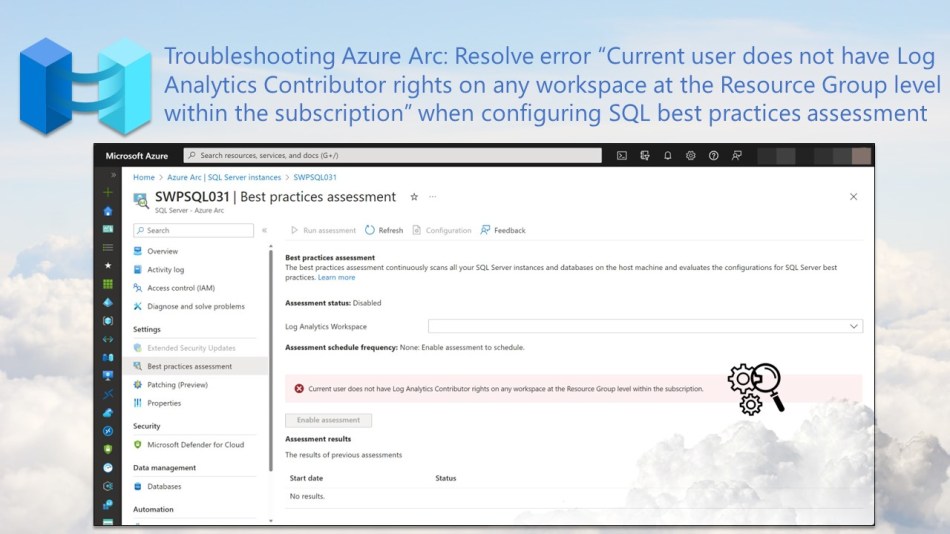
In this blog post, you will learn how to resolve the error “Current user does not have Log Analytics Contributor rights on any workspace at the Resource Group level within the subscription” when configuring SQL best practices assessment.
When you connect one of your Windows-based SQL Server instances to Azure through Azure Arc, you gain the capability to activate the best practices assessment (SQL BPA). After enabling this assessment, it performs a thorough scan of your SQL Server instance and its associated databases, providing recommendations related to various aspects such as SQL Server and database configurations, deprecated features, and more.
Before you can enable SQL BPA, you must meet specific prerequisites, one of which is that the user responsible for the configuration must have the Log Analytics Contributor role on the resource group or subscription containing the Log Analytics Workspace. Otherwise, this will result in the error displayed in the screenshot below on the Best Practices Assessment page in the Azure Portal.
“Current user does not have Log Analytics Contributor rights on any workspace at the Resource Group level within the subscription”
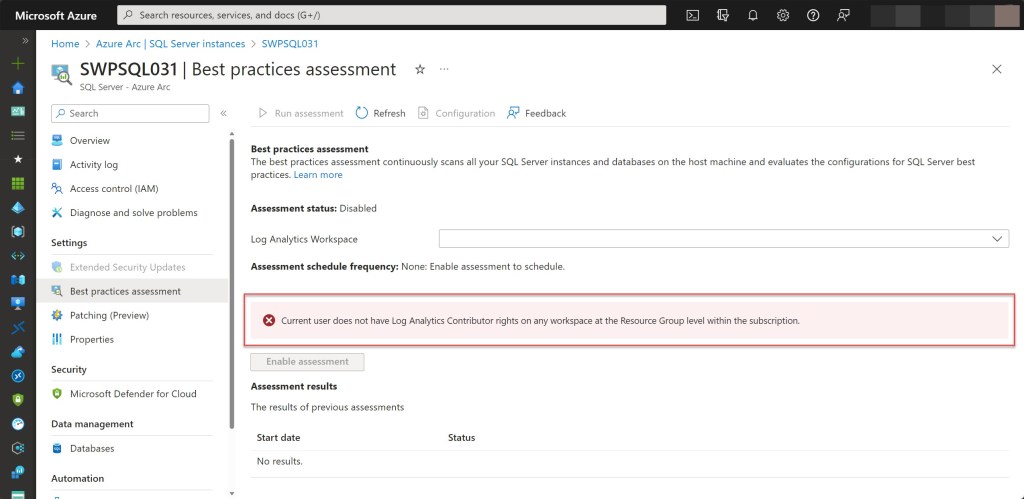
To resolve this error and allow you to successfully configure SQL BPA, you can follow the steps as described in this blog post.
Resolve the SQL BPA error
While there was already a central Log Analytics workspace deployed in the Azure environment under the management subscription (e.g., sub-hub-myh-management-01), following the Cloud Adoption Framework’s enterprise-scale landing zone model, SQL BPA requires a Log Analytics workspace within the same subscription as your SQL Server VM for uploading assessment results to.

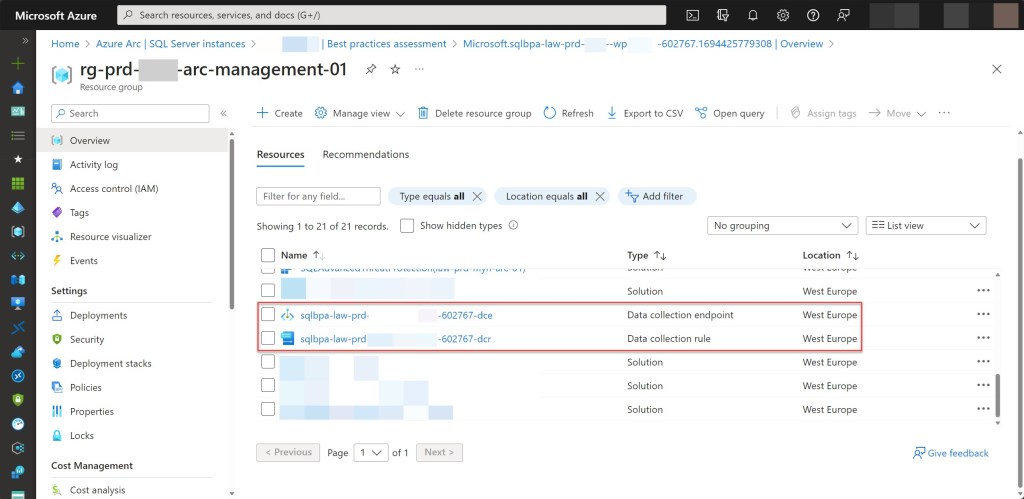
Therefore, my first step to solve the above error was to deploy a new Log Analytics workspace (e.g., law-prd-myh-arc-01) within the dedicated Azure Arc subscription (e.g., sub-prd-myh-arc-01).

Afterwards, it was of course necessary to also foresee the required RBAC role, the Log Analytics Contributor role, on the resource group containing the Log Analytics Workspace for the user responsible for the configuration.


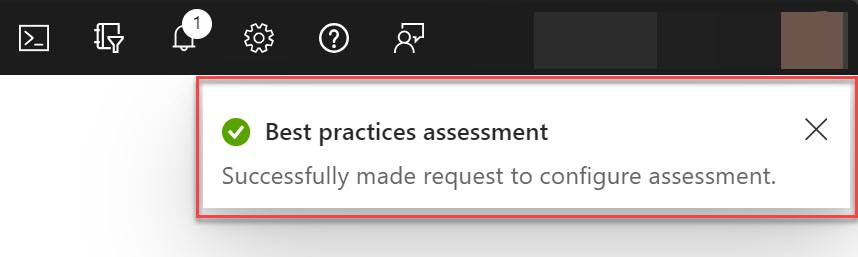
Following this, the user will have the capability to choose the Log Analytics workspace deployed in the same subscription and activate the assessment by simply clicking the “Enable assessment” button.


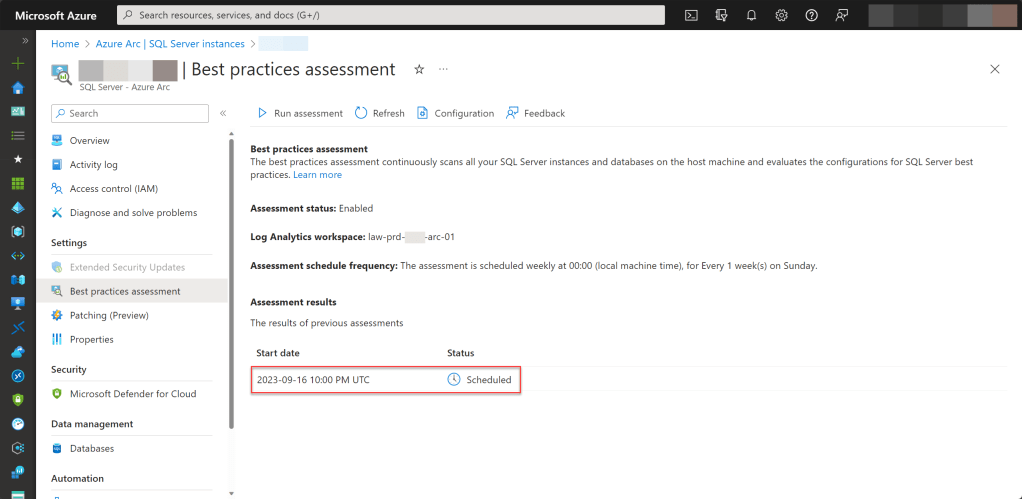
Please keep in mind that there are additional prerequisites that need to be met before you can deploy SQL BPA. One of these requirements is having a Windows-based SQL Server instance (version 2012 or higher) registered via Arc with the SQL Server IaaS extension. Additionally, it’s worth noting that the assessment is only available for SQL Servers acquired through either the Software Assurance or pay-as-you-go (PAYG) licensing options.
Conclusion
When you configure SQL BPA, specific prerequisites must be met; otherwise, it can lead to errors that prevent you from configuring it successfully.
In this blog post, I showed you how you can resolve one of these errors by configuring a required RBAC role, namely, the Log Analytics Contributor role, on the resource group or subscription holding the Log Analytics workspace.
If you have any questions or comments about this blog post, don’t hesitate to reach out to me via my Twitter handle (@wmatthyssen) or leave a comment, and I’ll be more than happy to assist.
 Wim Matthyssen
0 comments on “Troubleshooting Azure Arc: Resolve error “Current user does not have Log Analytics Contributor rights on any workspace at the Resource Group level within the subscription” when configuring SQL best practices assessment”